🐦 Pubblicazione su X (Twitter)
Il BOT pubblica Tweet su un profilo X (Twitter) tramite le API ufficiali.
Warning
Le API ufficiali hanno rimosso la pubblicazione gratuita: serve ricaricare l'account sviluppatore (circa 0,20€ a post). Il BOT può eliminare un Tweet ma non modificarlo (limitazione delle API).
Impostazioni in: Impostazioni → Integrazioni → X (Twitter)
1. Ottenere i Token API
- Fai login su x.com.
- Apri il Developer Portal.
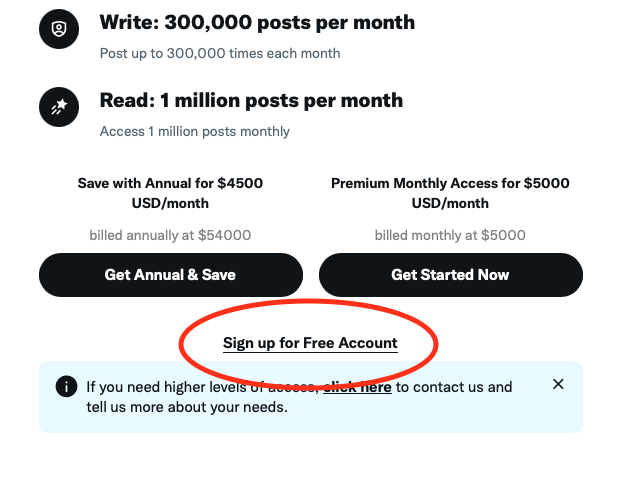
- Quando chiede di creare un Account Sviluppatore, in basso scegli Sign Up For Free Account:
- Alle motivazioni d'uso delle API scrivi:
Attiva tutte le spunte e premi Submit:
I want to tweet some posts on my account using the API while staying within the free monthly limit of 500 tweets. I don't expect to make any other API calls besides the Manage Tweets endpoint. I'd also like to include media in my tweets for my audience.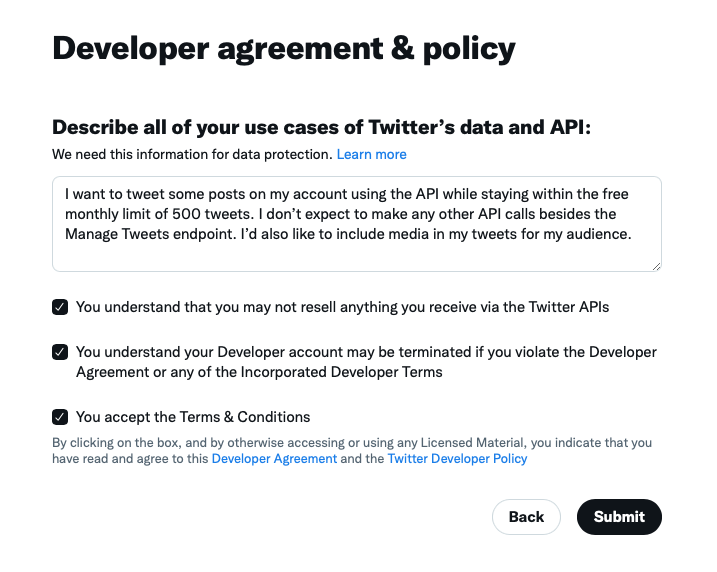
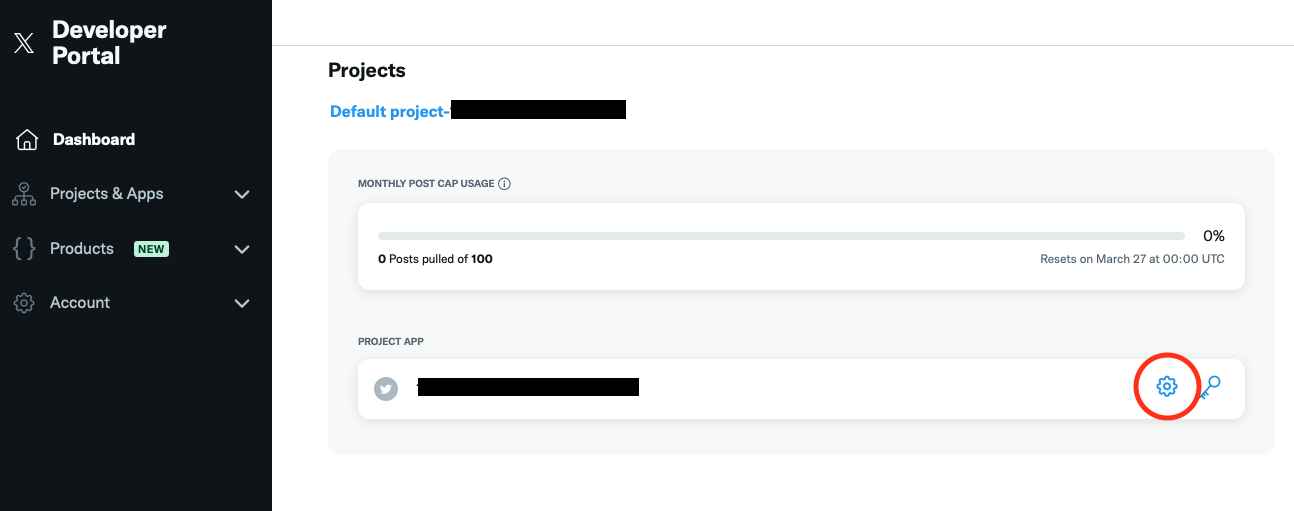
- Nella dashboard, premi le impostazioni accanto alla tua Project App:
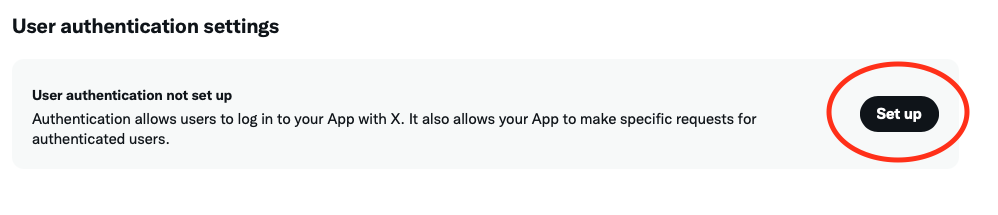
- In basso, in User authentication settings, premi Set up:
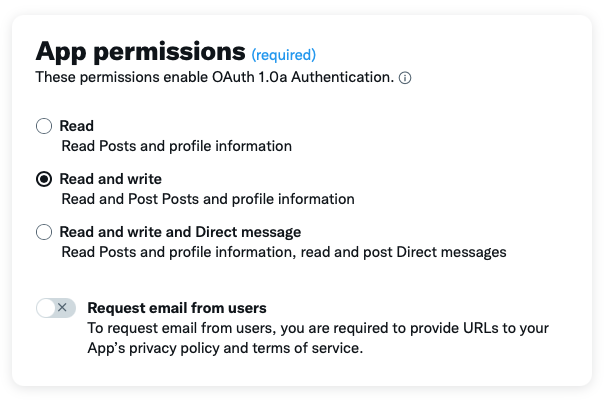
- In App Permissions seleziona Read and Write:
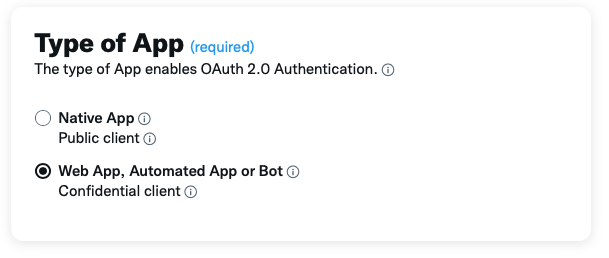
- In Type of App seleziona Web App, Automated App or Bot:
- In App Info:
- Callback URI:
https://dealsbot.io/twitterLogin.php - Website URL:
https://dealsbot.io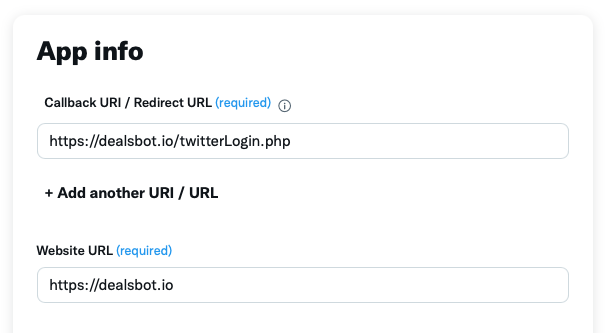
- Callback URI:
- Premi Save e conferma con Yes.
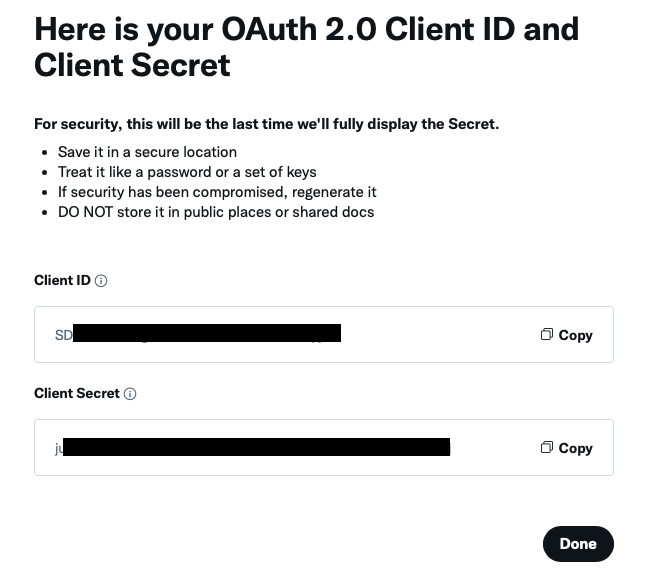
- Compaiono Client ID (1) e Client Secret (2): salvali (serviranno agli Step 1 e 2 sul BOT). Premi Done → Yes, I have saved it.
!!! note
Puoi rigenerarli dalla sezione "OAuth 2.0 Client ID and Client Secret" dell'App.
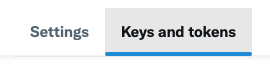
- Nella gestione App, in alto apri Keys and tokens:
- In Consumer Keys premi Regenerate e conferma con Yes, regenerate:

- Copia API Key (3) e API Key Secret (4): serviranno agli Step 3 e 4 sul BOT.
- Conferma con Yes, I have saved them e passa al BOT.
2. Configurazione sul BOT e connessione dell'account
- Sul BOT: Impostazioni → Integrazioni → X (Twitter).
- Configurazione Token:
- Step 1: invia il Client ID (Step 11);
- Step 2: invia il Client Secret (Step 11);
- Step 3: invia l'API Key (Step 14);
- Step 4: invia l'API Secret (Step 14).
- Senza errori, le chiavi sono configurate: premi Collega Account (ora visibile).
- Segui le istruzioni del BOT. Servono due autorizzazioni. La prima:
!!! note
Fai login su Twitter prima di aprire il link, così vedrai "Authorize app" e non "Sign In".
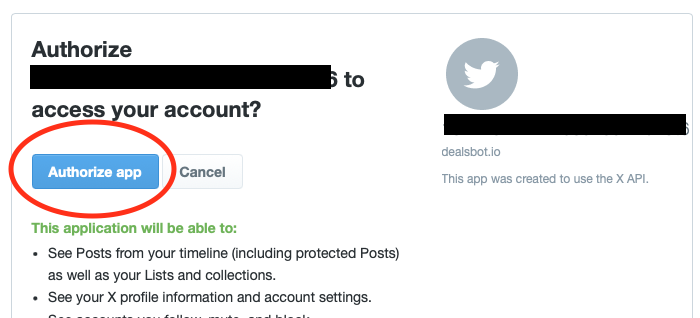
- Alla seconda autorizzazione premi di nuovo Authorize app.
!!! note
Se ti viene chiesto il login a X, fallo: finirai sulla Home di X. Torna al BOT, premi Indietro e ripeti il Collegamento Account: al secondo tentativo non chiederà il login.
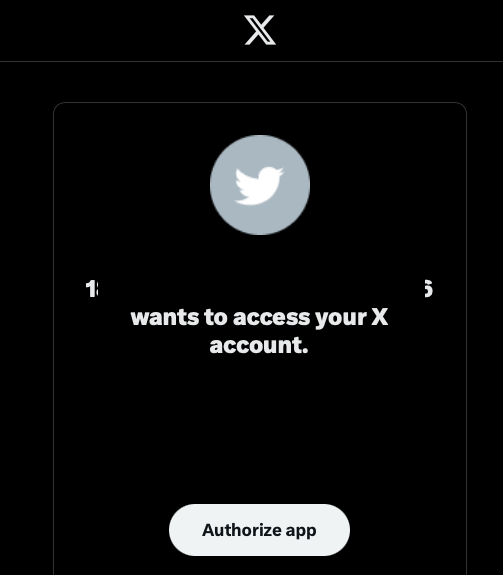
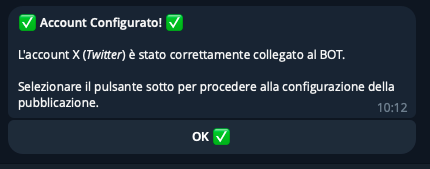
- A buon fine vedi "OK! You can go back to the BOT!" e il BOT conferma il collegamento: